







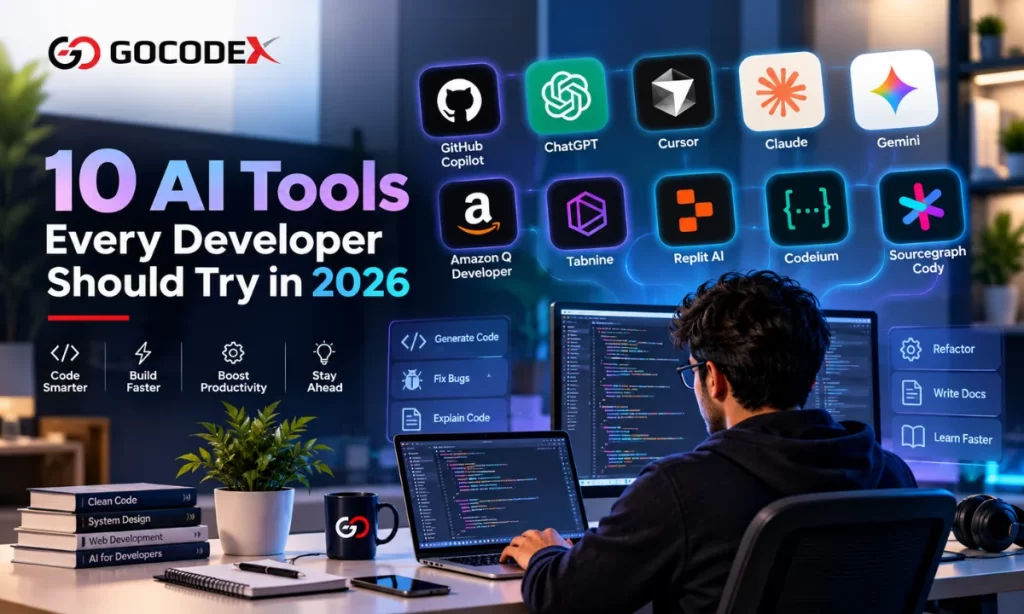
AI is changing the way developers write code, test applications, fix bugs, manage projects, and build software. In 2026, developers have access to powerful AI tools that can work alongside them throughout the development process.
Whether you are a beginner, full-stack developer, frontend developer, backend developer, or DevOps professional, using the right AI tools for developers can help you save time and improve productivity.
In this blog, we will explore 10 AI tools every developer Should Try , along with how they can help with everyday development tasks.
1. GitHub Copilot
GitHub Copilot is one of the most popular AI coding assistants. It can suggest code while you type, generate functions, explain code, and help developers work with unfamiliar programming concepts.
It supports popular programming languages and works with commonly used development environments.
Best for: Code completion, code generation, explanations, and productivity.
2. ChatGPT
ChatGPT can be used as an AI coding assistant for a wide range of development tasks. Developers can use it to understand errors, generate code examples, explain APIs, write documentation, create SQL queries, and brainstorm solutions.
For example, a developer working with React, Next.js, Laravel, Python, or JavaScript can use AI to understand a complex problem and explore different implementation approaches.
Best for: Debugging, learning, coding assistance, documentation, and problem-solving.
3. Cursor
Cursor is an AI-powered code editor designed around AI-assisted development. Developers can ask questions about their codebase, generate changes, refactor existing code, and work on multiple files using natural-language instructions.
This can be particularly useful for larger projects where understanding the relationship between different files is important.
Best for: AI-assisted coding, refactoring, and working with larger codebases.
4. Claude
Claude can help developers analyze code, understand technical documentation, review implementations, and work through complex programming problems.
Developers can provide code or project context and ask for explanations, potential issues, or alternative approaches.
Best for: Code analysis, reasoning, documentation, and technical problem-solving.
5. Gemini
Google’s Gemini can assist developers with coding, debugging, research, and understanding technical concepts. It can be useful when developers need help working across different types of information, such as code and documentation.
Its integration with Google’s broader ecosystem can also make it useful for developers already working with Google technologies.
Best for: Coding assistance, research, debugging, and Google ecosystem workflows.
6. Amazon Q Developer
Amazon Q Developer is designed to help developers working with AWS and other development environments. It can assist with code generation, troubleshooting, understanding AWS services, and improving development workflows.
For teams building cloud applications, AI assistance can reduce the time required to investigate configuration and implementation questions.
Best for: AWS development, cloud applications, coding, and troubleshooting.
7. Tabnine
Tabnine is an AI coding assistant focused on helping developers generate and complete code. It can provide suggestions directly within the development environment and help developers write repetitive code faster.
For development teams, AI coding assistance can be particularly helpful for routine programming tasks.
Best for: Code completion and developer productivity.
8. Replit AI
Replit provides an online development environment with AI capabilities that can help developers build and experiment with applications.
It can be useful for beginners who want to start coding without setting up a complex local development environment. Experienced developers can also use it for rapid prototyping.
Best for: Learning, prototyping, and building applications online.
9. Codeium
Codeium provides AI-powered coding assistance designed to help developers with code completion and generation.
AI coding assistants such as Codeium can reduce repetitive work and help developers move more quickly from an idea to working code.
Best for: Code completion, generation, and everyday development assistance.
10. Sourcegraph Cody
Sourcegraph Cody is designed to help developers understand and work with codebases. This can be especially useful when working on large applications where developers need to navigate existing code and understand how different components work together.
AI-powered codebase understanding can help developers spend less time searching through files and more time implementing solutions.
Best for: Large codebases, code search, understanding existing projects, and development assistance.
Why Should Developers Use AI Tools in 2026?
AI tools are becoming an important part of modern software development. However, they should be treated as development assistants rather than complete replacements for developers.
Here are some important benefits:
Faster Coding
AI can generate boilerplate code, functions, components, and repetitive code structures quickly. Developers can then review and customize the generated output.
Better Debugging
Instead of spending hours searching for the cause of an error, developers can provide the error message and relevant code to an AI assistant and receive possible explanations and debugging approaches.
Faster Learning
AI can explain programming concepts in simple language. This is particularly useful when learning a new framework, programming language, API, or library.
Improved Productivity
AI can assist with documentation, testing, refactoring, code reviews, and repetitive programming tasks, allowing developers to focus more on architecture and problem-solving.
How to Choose the Right AI Tool for Developers
There is no single AI development tool that is perfect for every developer.
Your choice should depend on your development environment, programming language, project size, privacy requirements, and workflow.
For example:
- Coding assistance: GitHub Copilot, Cursor, Tabnine
- Code analysis: ChatGPT, Claude, Sourcegraph Cody
- AWS development: Amazon Q Developer
- Rapid prototyping: Replit AI
- General AI assistance: ChatGPT and Gemini
Developers should also review AI-generated code carefully. AI can sometimes produce incorrect, outdated, inefficient, or insecure code. Human review remains essential.
AI and the Future of Software Development
The role of AI in software development is likely to continue expanding. Developers are increasingly using AI for coding, testing, documentation, debugging, research, and project planning.
The most valuable skill is therefore not simply knowing how to use one AI tool. Developers should learn how to work effectively with AI while maintaining strong programming fundamentals.
Understanding programming logic, databases, APIs, security, architecture, testing, and performance is still important. AI can accelerate development, but developers remain responsible for deciding whether the generated solution is appropriate.
Final Thoughts
The 10 AI tools for developers in 2026 covered in this article can help developers improve productivity and simplify many parts of the software development process.
From AI coding assistants such as GitHub Copilot and Cursor to general-purpose tools such as ChatGPT and Claude, developers now have more options than ever for integrating AI into their workflows.
Businesses are also using AI to improve their digital presence, automation, content strategy, and online customer experiences. Companies looking to combine technology with online growth can work with GoCodex, a digital marketing agency in Mumbai, for digital marketing, SEO, AI-focused SEO, AEO, GEO, web development, and other digital growth services.
The key is to use AI strategically: let it handle repetitive work, assist with research and problem-solving, and accelerate development – while keeping human expertise, testing, security, and code review at the center of the process.